













Purpose-built for B2B support teams who need to manage complex customer work.

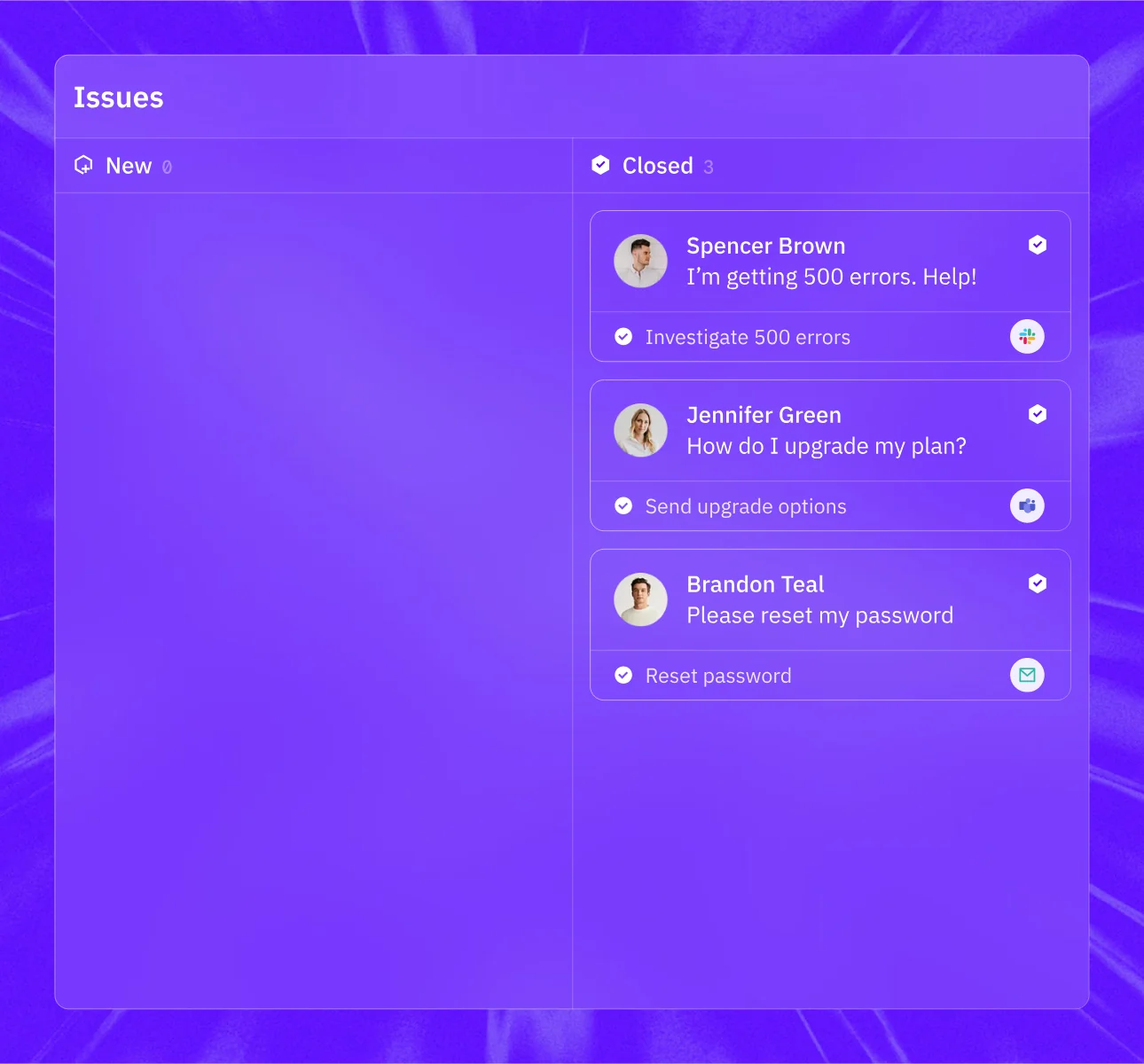
Customer sends a message in Slack or Teams? Auto-tracked. Email arrives? It's an issue. Every channel, one inbox.

Organize issues by status, owner, priority, account, SLA, or any custom field. Give each team the view that fits how it works.

Route issues by language, product area, account tier, region, skill, channel, or custom rules. Assign work to the right person, team, or agent automatically.

Add any field type to issues: text, select, date, user, boolean. Autofill with AI, sync from your CRM, collect from customers at submission, or set via API and triggers.

Define response and resolution SLAs per tier or priority. Track adherence in real-time, get alerted on breaches, and surface violating tickets for immediate action.

When incidents strike multiple accounts, group related issues together. Link to incidents in PagerDuty, incident.io, or Rootly and drive coordinated responses at scale.
Legacy help desks were built to close high volumes of consumer tickets. B2B support runs on accounts, channels and context.
Build support, account, and product intelligence across conversations, CRM, product usage, logs, and code, then make it available via MCP to your agents and team.
Findigs moved off Salesforce Service Cloud; workflow changes that took a full day now take 30 minutes, set up by non-technical teammates.

"Configuration that previously required a full day in Salesforce now takes 30 minutes in Pylon. We no longer pull engineering resources just to modify support workflows."

Pylon supports Slack, Microsoft Teams, Discord, email, chat, SMS, WhatsApp, phone, Telegram, and other customer communication channels.
Yes. Customer conversations can create structured issues while preserving the original thread, participants, account, and channel context.
Issues can be routed by language, product area, account tier, region, channel, skill, workload, or custom fields. Rules can assign work to a person, team, or agent.
Background Agents can investigate and perform triggered work on issues. Assist Agent helps teammates investigate and act. Support Agent can resolve supported customer questions or escalate them with the right context.
Yes. Set response and resolution targets by account, plan, tier, priority, issue type, or other conditions. Pylon tracks progress and surfaces potential breaches.
Yes. Connect issues to CRM records, engineering tools, product data, communication systems, internal APIs, and MCP servers. Context and actions remain available from the issue.