How to set up AI agents: The support leader’s guide
Learn how to set up AI agents to automate workflows, including different types of agents, how they work, and when to implement them for your support team.

AI agents are digital teammates designed to help your support team. These automated tools are also a cost-effective way to scale support operations. A growing company means surging ticket volumes, but training AI agents to guide customers can offset that extra work without adding hiring costs.
In this article, you’ll learn a step-by-step process for how to set up AI agents that can improve the bottom line.
Understanding AI agents
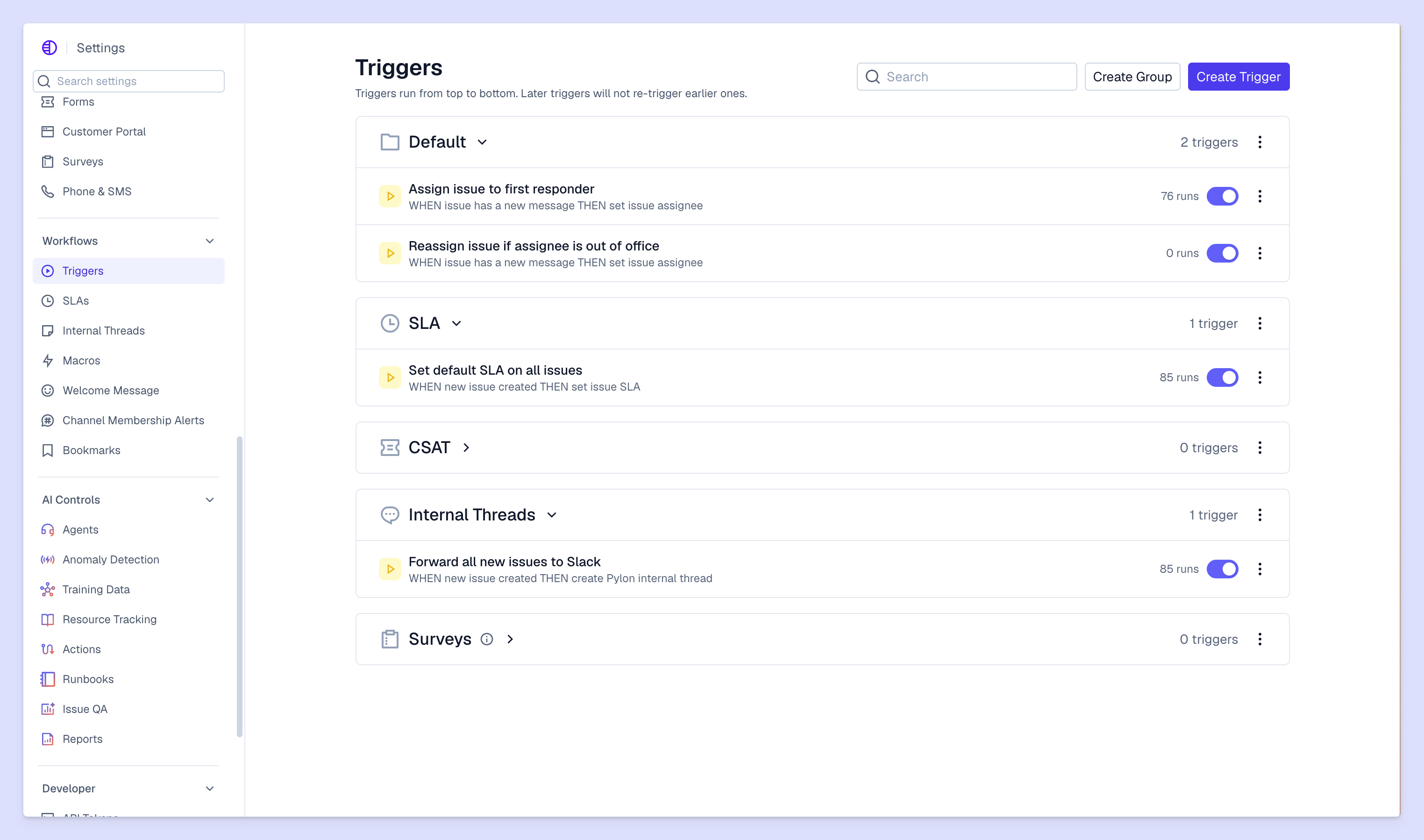
An AI agent is a type of software that can make decisions and take actions autonomously to achieve specific goals. Unlike a traditional chatbot that follows scripted paths, an AI agent uses a large language model (LLM) to understand requests, analyze intent, and interact with customers. These tools take care of straightforward support tickets so your team can handle more complicated requests that need a human perspective.
AI customer support agents can understand customer intent based on tone and learn from feedback to improve performance over time. Their ability to grow and take autonomous action means they can provide better customer support without adding re-scripting or ticketing work to your team.
Decoding AI agents for customer support
While a chatbot can answer a simple, preset question, an AI agent can use runbooks to solve the underlying problem. Runbooks are sets of executable instructions that are similar to a team member’s workflow for the same scenario.
For example, if a customer asks for a refund, a chatbot might provide a link to the refund policy page. But an AI agent can gather information about why the customer wants a refund and route them to a finance team member who can process it.
There are two types of AI agents for support teams:
- Reactive agents provide fast responses to high-volume, low-complexity queries. They’re best at answering common concerns, like “I’m getting an error message” or “How can I add more team members to the platform?” by pulling structured information from a knowledge base.
- Deliberative or hybrid agents can “think” through multi-step problems. If a customer reports a failing API key, for instance, a deliberative agent can verify account permissions and, if necessary, regenerate the key. They can also escalate to a human team member if there isn’t an appropriate runbook for the situation or the customer needs something more complex.
Pre-deployment: Auditing your support ecosystem
AI agent development has skyrocketed. People are excited about the potential of this new technology, but many are caught up in hype instead of making strategic growth plans. Gartner predicts that over 40% of agentic AI projects will be canceled by the end of 2027 because of high costs or unclear value. You can avoid these problems by studying when and how creating an AI agent will be useful for your company.
Here’s how to build a strategic pre-deployment audit to help your investment last.
Identify "agent-ready" workflows
The best tasks to automate are high-volume, simple, and time-consuming. Look for repetitive, predictable workflows like user permission changes and troubleshooting error messages. If a team member would respond by linking the customer to a knowledge base resource, your AI agent could likely handle it instead.
Map the support problem domain
Agents need clear engagement rules to follow. That means picking the right boundaries: what it’s responsible for, how it interacts with customers (its personality), and when it needs to escalate to a team member.
For instance, an agent might be cleared to handle all queries about integrations, but has to escalate any issue that mentions a potential security vulnerability. And its conversations with customers should match your brand voice for a consistent customer experience.
Clean your documentation
Your AI agent is only as good as the data it learns from. If your knowledge base contains outdated or conflicting information, your agent won’t be as effective. Before you build, make sure your help docs are up to date and accurately reflect your offering.
Audit your knowledge base and support conversations: Review and archive old content, tag articles with relevant keywords, and group resolved tickets with the right account context.
Building an AI agent for support: 3 steps
Here are three steps to help you prepare your AI agent for a successful launch day.
1. Design omnichannel architecture
Customers are more likely to reach out for help in a place they already use, like Slack or email. But repeating themselves every time they switch channels is frustrating.
Omnichannel support platforms are designed to give the whole team (including an AI agent) the context and tools they need to resolve a customer’s issue from anywhere. If a customer mentions a problem in an email and then follows it up in Slack, the AI agent should be able to access that context.
2. Integrate tools and APIs
An agent needs to take action using data-backed decision-making capabilities. Modern AI agents can integrate with your other software systems using APIs. By connecting your CRM, for example, the agent can check a customer’s current contract and make recommendations about the best feature add-ons for their needs.
Pylon’s AI agents handle support requests with runbooks and integrations with popular systems, as well as the option to create your own API. A “hardware failure” runbook, for example, can instruct the agent to collect a device ID from the customer, call your internal API to check its status, and then respond with the specific error code and fix the failure without interventions from a team member.
3. Implementation, testing, and shadowing
Before going live with an AI agent, run a pilot phase. Using the agent in “shadow mode” is a good way to test it. In this setup, the agent runs in the background, analyzing incoming tickets and suggesting responses that your support team can review.
Testing the AI before launch creates a safe environment to fine-tune its performance, so it’s less likely there will be problems when it interacts directly with customers. Your support team can give the final approval on its interaction style after your AI agent tutorial, which builds their trust that this tool will handle customer needs well. And early feedback gives your AI agent invaluable training data as it learns from your team’s best practices.
From automation to autonomy with Pylon
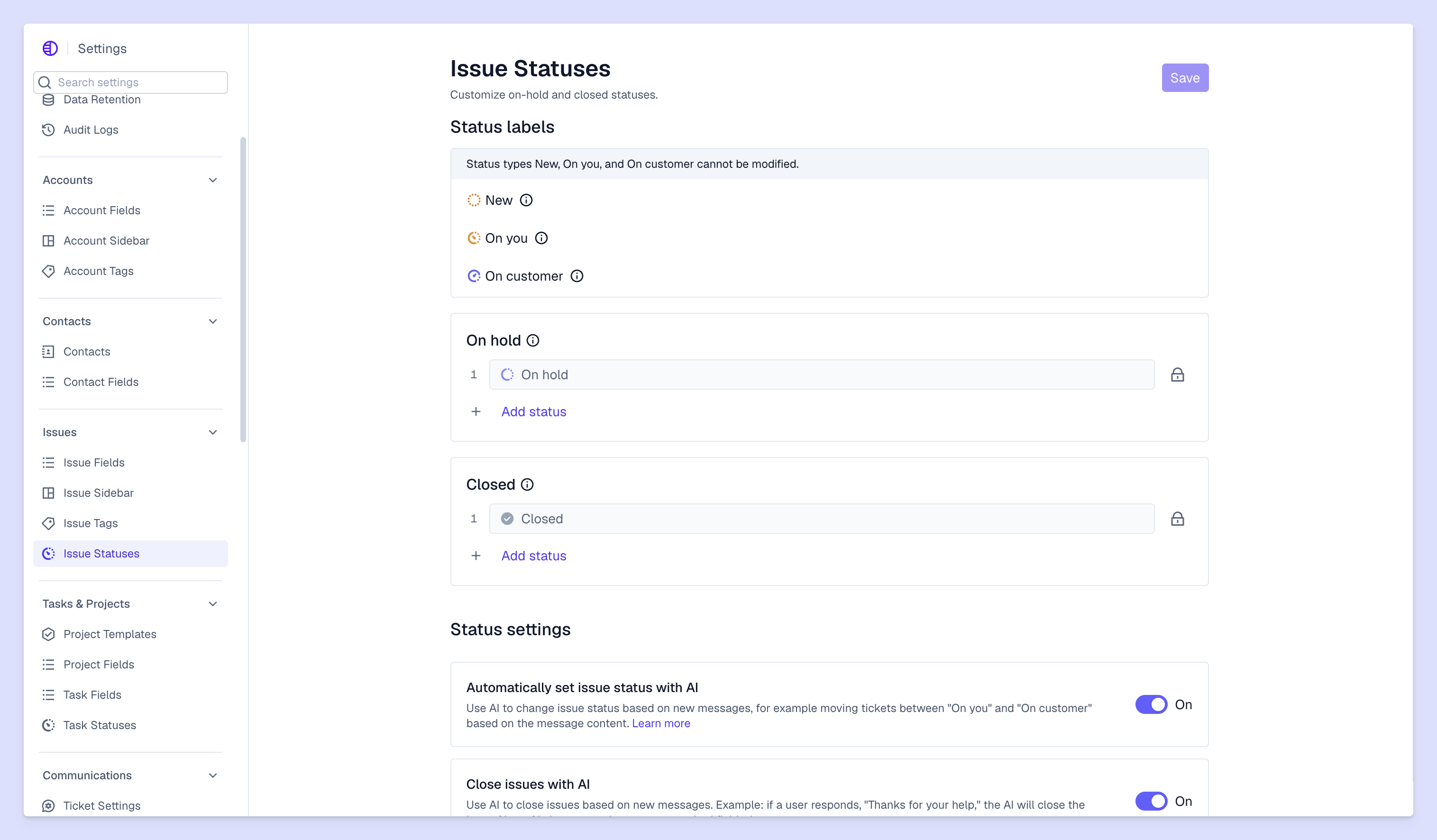
Successfully building AI agents starts with your team’s communication channels and internal data. Great customer interaction documentation offers context your digital teammate needs to independently resolve customer issues. An omnichannel support platform can keep all this information organized, especially when it naturally integrates an AI agent.
Pylon is the modern B2B support platform that offers true omnichannel support across Slack, Teams, email, chat, ticket forms, and more. Our AI Agents and Assistants automate busywork and reduce response times. Plus, with Account Intelligence that unifies scattered customer signals to calculate health scores and identify churn risk, we're built for customer success at scale.
FAQ
What’s the 30% rule for AI?
This guideline suggests AI should perform no more than 30% of a task, ensuring the remaining 70% is human-led. This maintains oversight, ethical control, and creative integrity.
What’s the role of an LLM in building an AI agent?
The LLM acts as the central engine. It handles reasoning, interprets natural-language instructions, and decides which specific actions or tools are needed to achieve a goal.
What’s the importance of a memory system for an AI agent?
Memory allows agents to retain context from past interactions. Without it, agents cannot learn from mistakes, follow complex multi-step threads, or maintain a consistent persona.
What are the foundational components needed to build an AI agent?
The core building blocks include a brain (LLM), planning (task breakdown), memory (short- and long-term), and tools (API access) for interacting with external environments.
Explore more
How to use AI agents for conversational support automation
The complete guide to AI customer support software in 2026


How to automate customer support with AI: A practical guide


Customer support bots: What they do and how to deploy one
Explore more
AI Support Systems Explained: Features, Benefits, and Best Practices
Omnichannel Customer Support: Definition, Examples, & Strategy

Customer Success Platforms That Leverage Support Data: Your Complete Guide